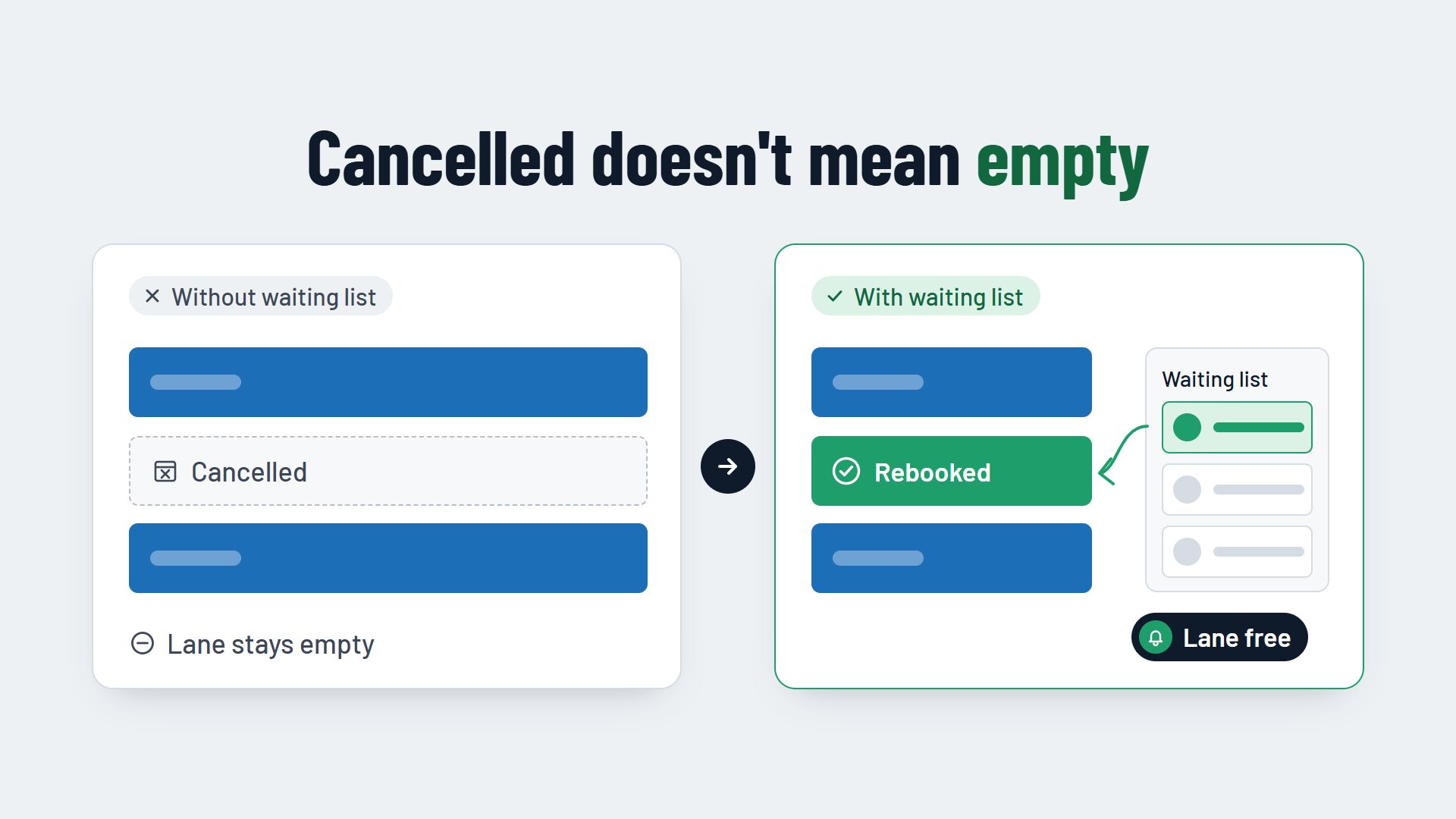
A waiting list in your booking system makes sure a cancelled bowling lane does not stay empty. Guests who cannot get a place for a fully booked time add themselves to the list. When someone cancels, the system notifies the people waiting automatically, and the lane is often rebooked before your team even hears about it.
Why cancelled lanes often stay empty without a waiting list
On Friday evening, your bowling centre is fully booked. More guests ask for a lane on the phone and online, and you have to turn them down. Then, in the afternoon, a group cancels its reservation for 8 pm. The lane is free, but the guests who asked earlier know nothing about it.
Without a waiting list, rebooking the lane is left to chance: a guest happens to look at your website again, or someone on your team remembers a caller and rings them back when there is time. On a busy evening, there rarely is.
How to stop guests from not turning up in the first place is covered in the article How to reduce no-shows in your bowling centre. This article starts one step later: with the lane that has become free through a timely cancellation and needs to be rebooked.
How a waiting list works in a booking system
A digital waiting list runs in three steps, and none of them needs your team.
1. The guest signs up
When a time is fully booked, the online booking shows the option to join the waiting list instead of an error message. The guest enters the day, the earliest time and the number of people they need a lane for, along with their email address or mobile number. Some guests are flexible and give a time window instead of a fixed time. That increases the chance that something suitable becomes free.
2. A cancellation triggers the notification
When a guest cancels using the link in their confirmation, or cancels by phone, the booking system releases the lane. At the same time, it checks who on the waiting list matches the day, time and group size, and automatically sends an email or text message with a link to book.
3. The guest confirms and books
Using the link, the guest books the free lane like any other reservation, with a deposit if needed. They receive a normal booking confirmation, and your lane plan is full again.
Notify in order or everyone at once?
The most important setting on a waiting list is who finds out first that a lane is free. There are two approaches.
- In order. The first person on the list gets the message and a deadline to confirm. If they do not respond, the offer goes to the next person. This is fair and easy for guests to understand, but it takes time if several guests do not respond.
- Everyone at once. Everyone waiting who matches is told at the same time, and whoever books first gets the lane. This fills the lane quickly, but can disappoint guests who open the link two minutes too late.
A mix often makes sense: if a lane becomes free days in advance, notify people in order. If it only becomes free on the same day, tell everyone at once, because then every minute counts. Tell guests which rule applies when they sign up, so nobody feels passed over.
Choosing the right deadline to confirm
If you notify people in order, each guest needs a deadline within which they can accept the lane. While the deadline runs, the system holds the lane for them.
If the deadline is too long, you lose time if the guest does not respond. If it is too short, guests miss the offer just because they are at work or driving. So set the deadline according to how far away the booking is: for a lane that will only be played in a few days, it can be generous. On the same day, it should be short. State the deadline in the message, for example “Your lane is held for you until 3 pm”.
The waiting list in the evening: walk-ins without a crowd
A waiting list does not only help with online bookings days in advance. On the evening itself, guests also arrive without a reservation when all lanes are taken. Instead of sending them away or having them wait at the counter, put them on the waiting list with their name, group size and mobile number.
As soon as a lane becomes free, because a group leaves early or a reservation does not turn up, the next guest gets a text message. Until then, they can have a drink at the bar instead of standing in the entrance. Your team can see in the booking system who is waiting and in which order, and does not have to keep track of slips of paper.
At the same time, these guests become part of your booking data. How to use this kind of data for the staff rota is covered in the article Staff planning in a bowling centre.
What your booking system should be able to do for a waiting list
A waiting list only works if it runs automatically. Look for these points in your booking system:
- Signing up directly in the online booking as soon as a time is fully booked, with day, time window and group size.
- Automatic notification by email and text message, triggered by every cancellation, including one your team enters by hand.
- Matching to group size, so a guest with twelve people does not get an offer for a single lane.
- Adjustable rules: in order or everyone at once, and a deadline to confirm that depends on how far away the booking is.
- Booking through a link, with a deposit and confirmation like any other reservation.
- A waiting list for walk-ins at the counter, with a message to their mobile phone as soon as a lane is free.
- An overview for your team of who is waiting and who currently has an offer.
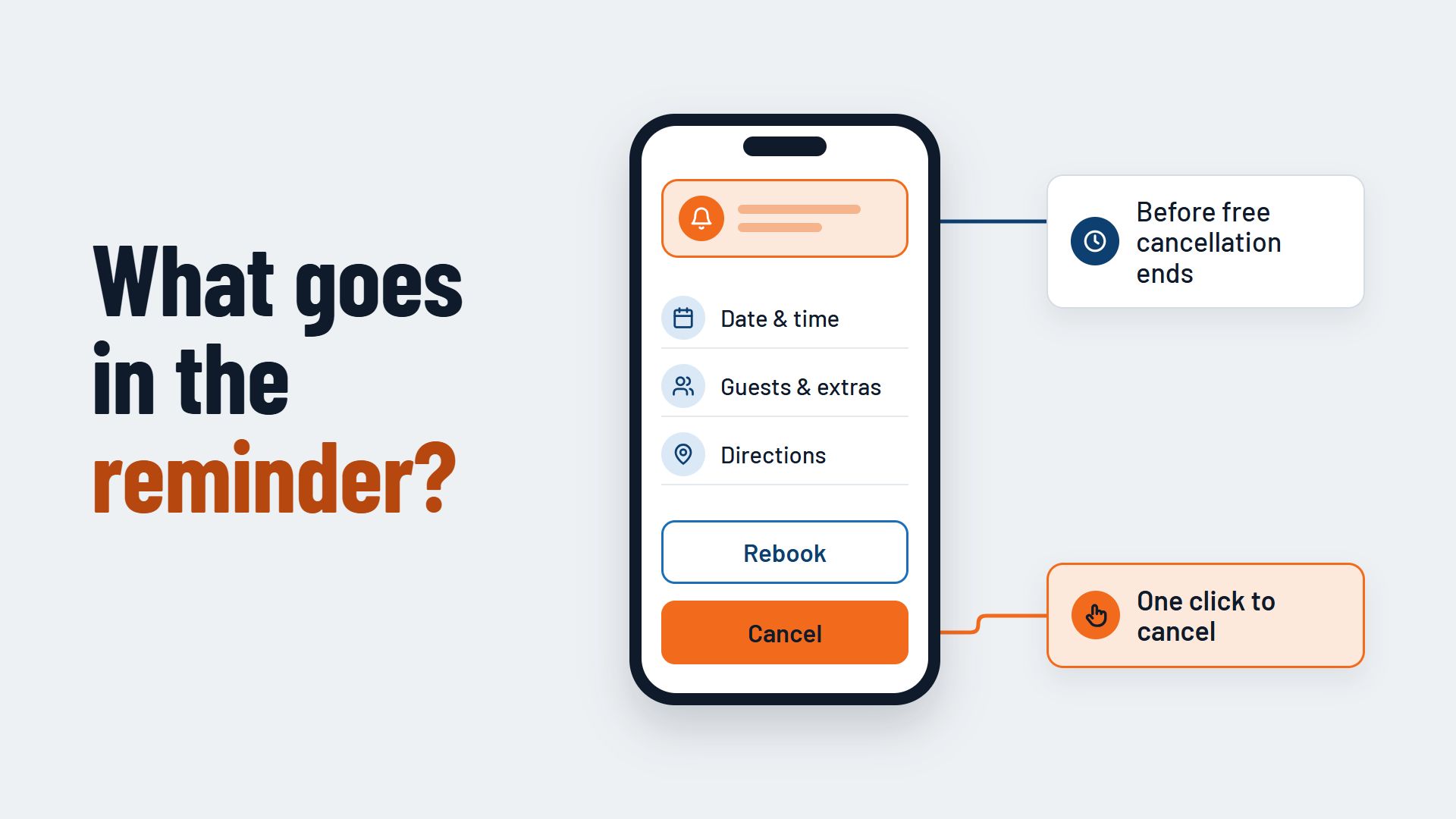
It is also important that guests can cancel easily. Only a timely cancellation gives the waiting list something to do. A cancellation link in every confirmation and reminder is therefore the foundation.
Conclusion: every cancellation is a second chance
Cancellations can never be avoided completely. With a waiting list in your booking system, however, a cancellation does not become an empty lane, but a booking for a guest who wanted to come anyway. The system takes care of the notifications; you only set the rules: who is asked first and how long they have.
Which features a booking system should have overall is covered on the page Booking system for bowling centres. How online booking, cancellations and notifications can work together in one system can be seen, for example, at Flexybox.