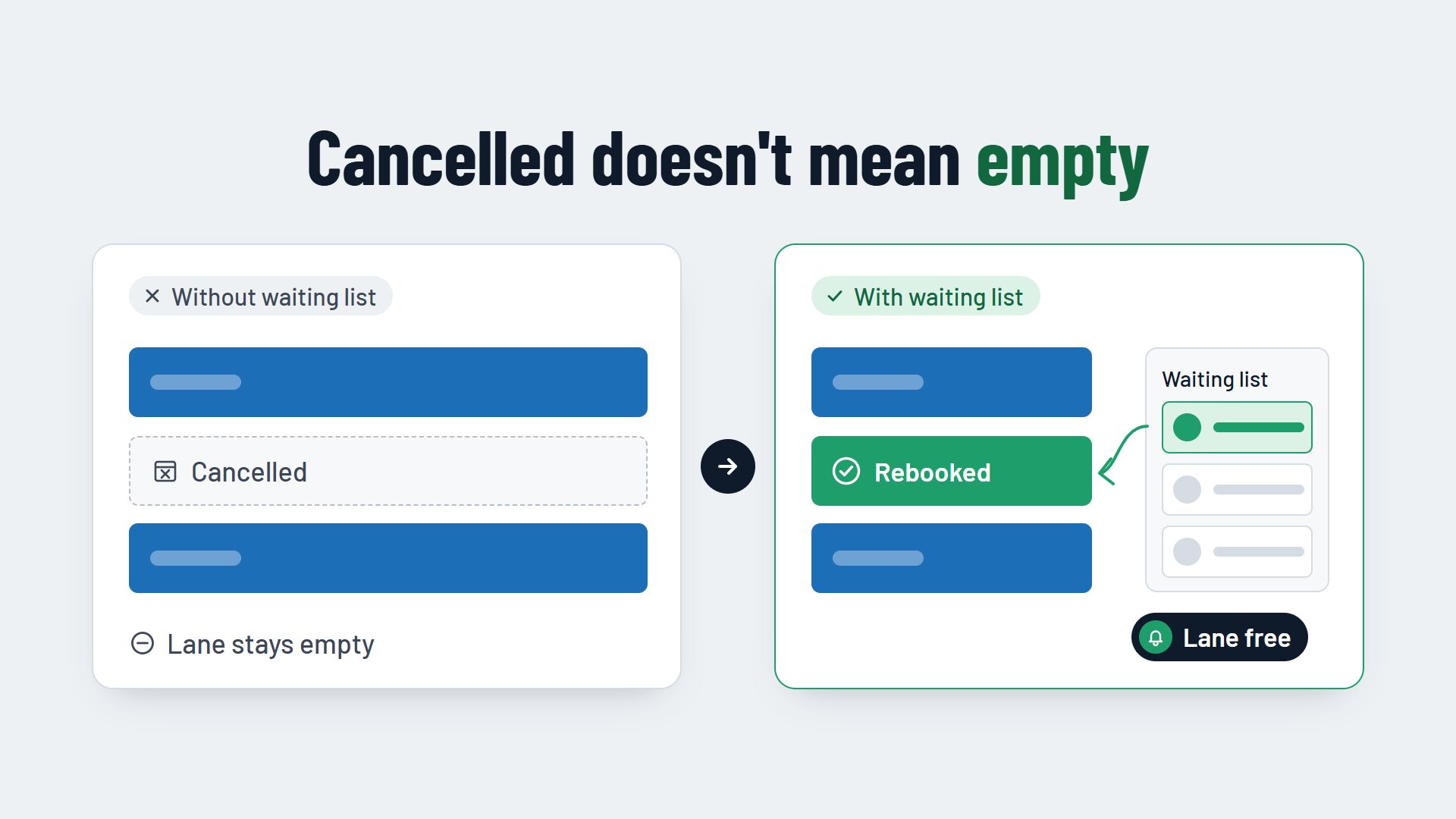
Automatic booking reminders make sure guests do not forget their booking and cancel in good time if they cannot come after all. Three things matter: the right timing, the right channel and a link that lets guests cancel or rebook with one click. That turns a silent no-show into a timely cancellation, and you can give the slot to someone else.
Why automatic booking reminders prevent empty slots
Many bookings are made weeks before the visit: the company evening at the bowling centre, the birthday party in the escape room, the team event at the laser tag arena. By the day itself, many guests have forgotten about it. Others have long known they cannot come, and keep putting off cancelling because they would have to phone.
A reminder by phone helps, but it takes your team's time, and that time is exactly what is missing on busy days. An automatic reminder, by contrast, goes out with every booking without anyone having to remember it.
It is important to be clear about what a reminder does. It does not prevent every cancellation. It makes guests cancel earlier, while you can still give the slot to other guests. Which other measures help against empty slots, such as deposits and clear cancellation terms, is covered in the article How to reduce no-shows at your bowling centre.
The right time to send the reminder
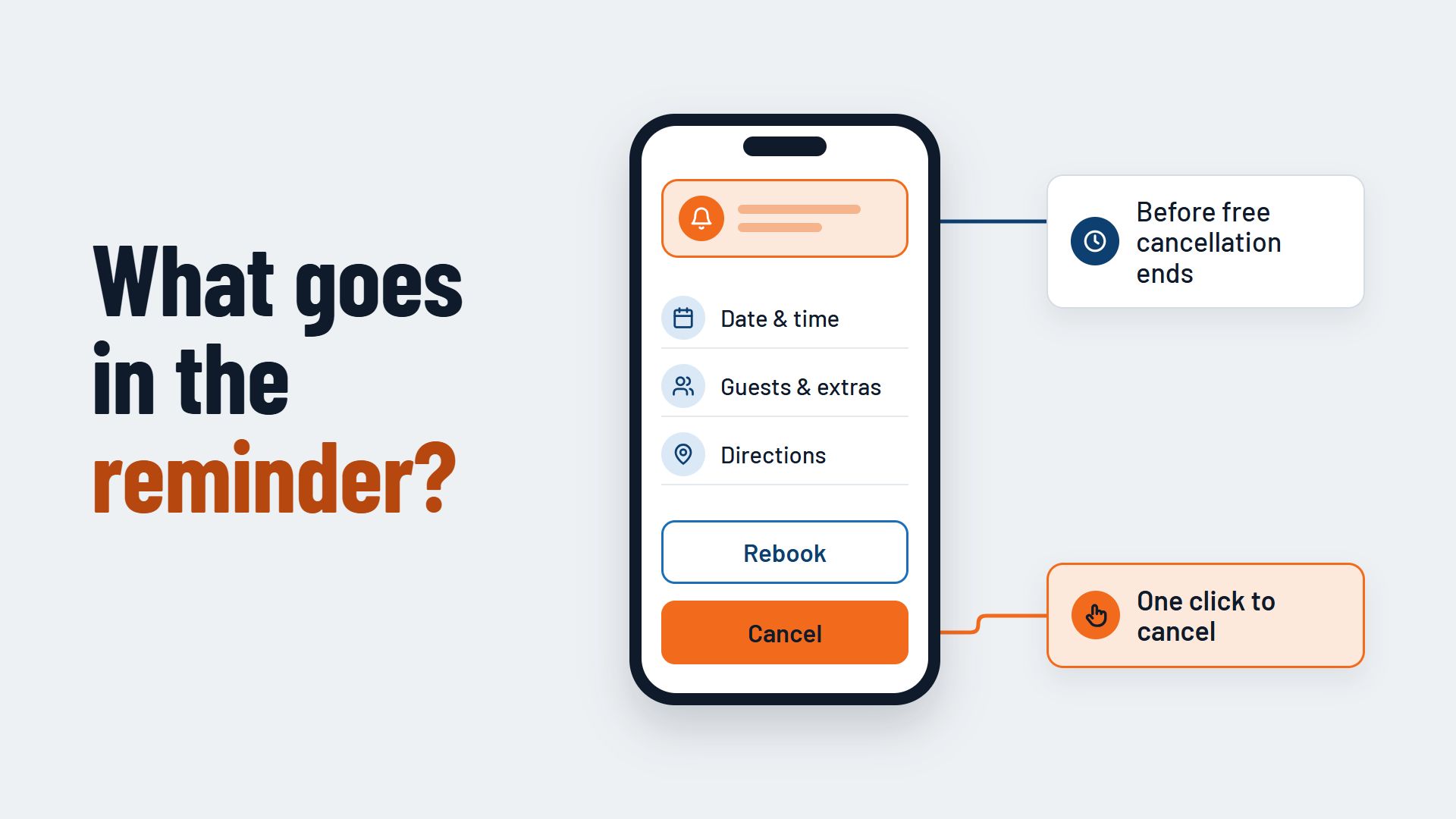
The most important reference point is your cancellation period. Send the reminder before free cancellation ends. If it arrives afterwards, cancelling costs the guest money, and some would rather simply stay away. If it arrives before, the guest has a good reason to decide now.
At the same time, the reminder must not come too early. A message three weeks before the visit is forgotten again by the day itself. For most bookings, a reminder shortly before the cancellation period ends works well, often the day before or a little earlier.
Two reminders for groups and parties
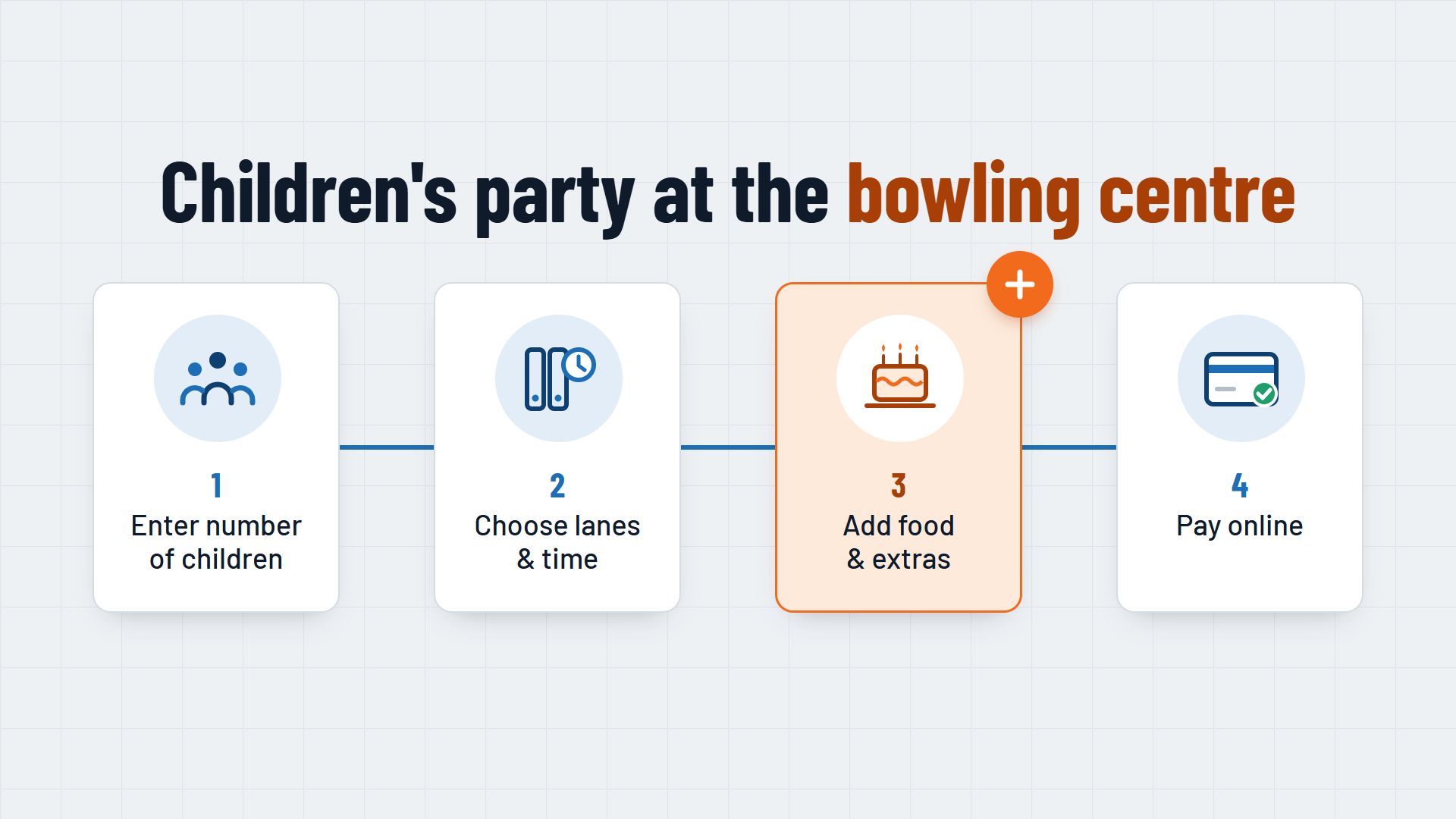
For large groups, children's birthday parties and company events, a second, earlier reminder is worthwhile. You can use it to ask for the final number of guests and their wishes for food and drink. That way you plan lanes, rooms and the kitchen with reliable numbers, and the group sees all the details once more.
Short-notice bookings
Guests who book on the same day usually do not need a reminder. A clear booking confirmation straight after booking is enough.
Booking reminders by email or text message?
Both channels have their strengths, and many operators combine them.
- Email. A booking reminder by email has room for every detail: directions, parking, booked extras, cancellation terms. It costs nothing extra, but it can end up in the spam folder or get lost among other emails.
- Text message. A reminder by text message is short and more likely to be noticed on a phone. It costs money per message, and you need the guest's mobile number when they book.
A practical combination: a detailed reminder email and, for groups or particularly popular times, a short text message with the time and the link to cancel.
What a good booking reminder includes
A reminder should tell guests everything they need for their visit within a few seconds. It should include:
- Your name as the sender. Guests must see at a glance who the message is from.
- Date, time and duration. Plus the activity booked, for example two lanes or a particular room.
- Number of guests and booked extras. That way guests notice if something has changed.
- Directions and arrival. The address, parking and when guests should be there, for example to get shoes or a briefing.
- A link to cancel and rebook. Plus a short summary of your cancellation terms.
- A way to get in touch for questions that cannot be sorted out online.
Cancelling must be as easy as booking
The link to cancel is the most important part of the reminder. If guests have to phone and cannot reach anyone, they may simply not turn up. With one click, by contrast, most would rather cancel than keep you waiting. A good booking system releases the slot straight away, and it can be booked online again.
Common mistakes with booking reminders
- The reminder arrives after the cancellation period. Then cancelling is no longer worthwhile for the guest.
- No way to cancel. A phone number alone is not enough, especially in the evening.
- Advertising in the reminder. Offers and newsletters distract from the booking and turn a service message into advertising.
- Too many messages. Three reminders for a simple lane booking feel pushy.
- A generic text. "We look forward to your visit" without a date and time helps nobody.
How to set up automatic booking reminders
- Check your booking system. Can it send reminders automatically, by email, by text message or both, and with a link to cancel?
- Decide on the timing. Matched to your cancellation period, and with one more reminder for groups if you like.
- Write the text. Short and friendly, with all the details from the list above.
- Test it yourself. Make a test booking and check how the reminder looks on a phone and whether the link works.
- Watch the effect. Over a few weeks, keep an eye on how many guests cancel after the reminder and how many miss their slot without cancelling, and adjust the timing accordingly.
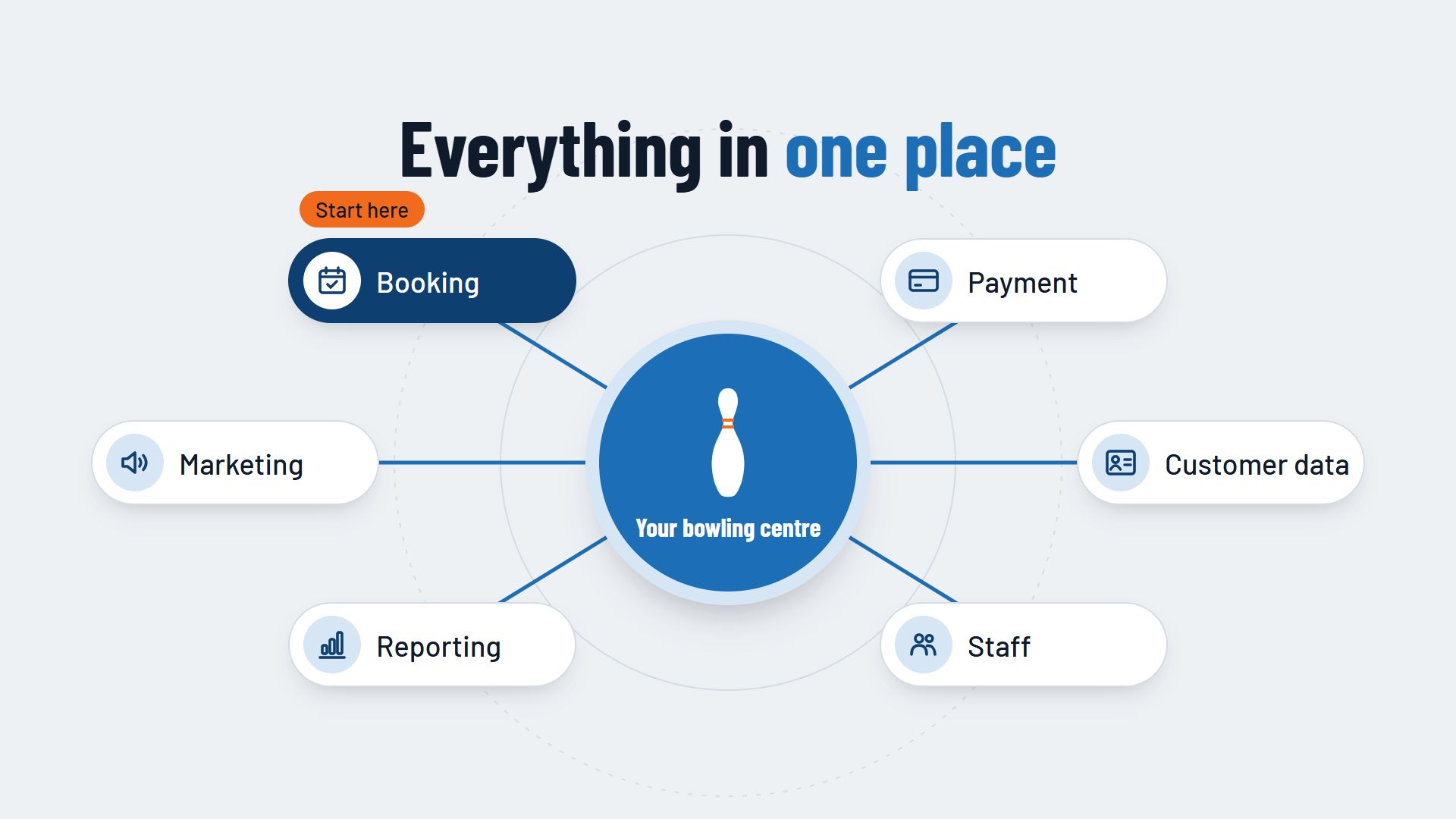
Which other features a booking system for your venue should have is covered in the guides Booking system for bowling centres and Booking system for escape rooms. How confirmations and reminders can work together in one booking system is shown, for example, by Flexybox.