Selling food and drink with bowling bookings means your guests choose pizza, snacks or a drinks package at the same moment they reserve their lane. Every booking becomes worth more, the kitchen and bar can plan ahead, and everything moves faster on the night itself. What matters is that the extras suit the booking and do not slow down the booking process.
Why food and drink pay off with bowling bookings
At the counter, a group often decides under time pressure: their lane is about to be free, the next guests are waiting behind them, and hardly anyone reads the menu properly. Online booking is different. Guests are planning their evening from home and are already thinking about what belongs to a birthday or a work night out.
For you as the operator, this has several advantages:
- More revenue per booking. Guests who book a bowling package with food decide on the whole package once, instead of ordering individual items during the evening.
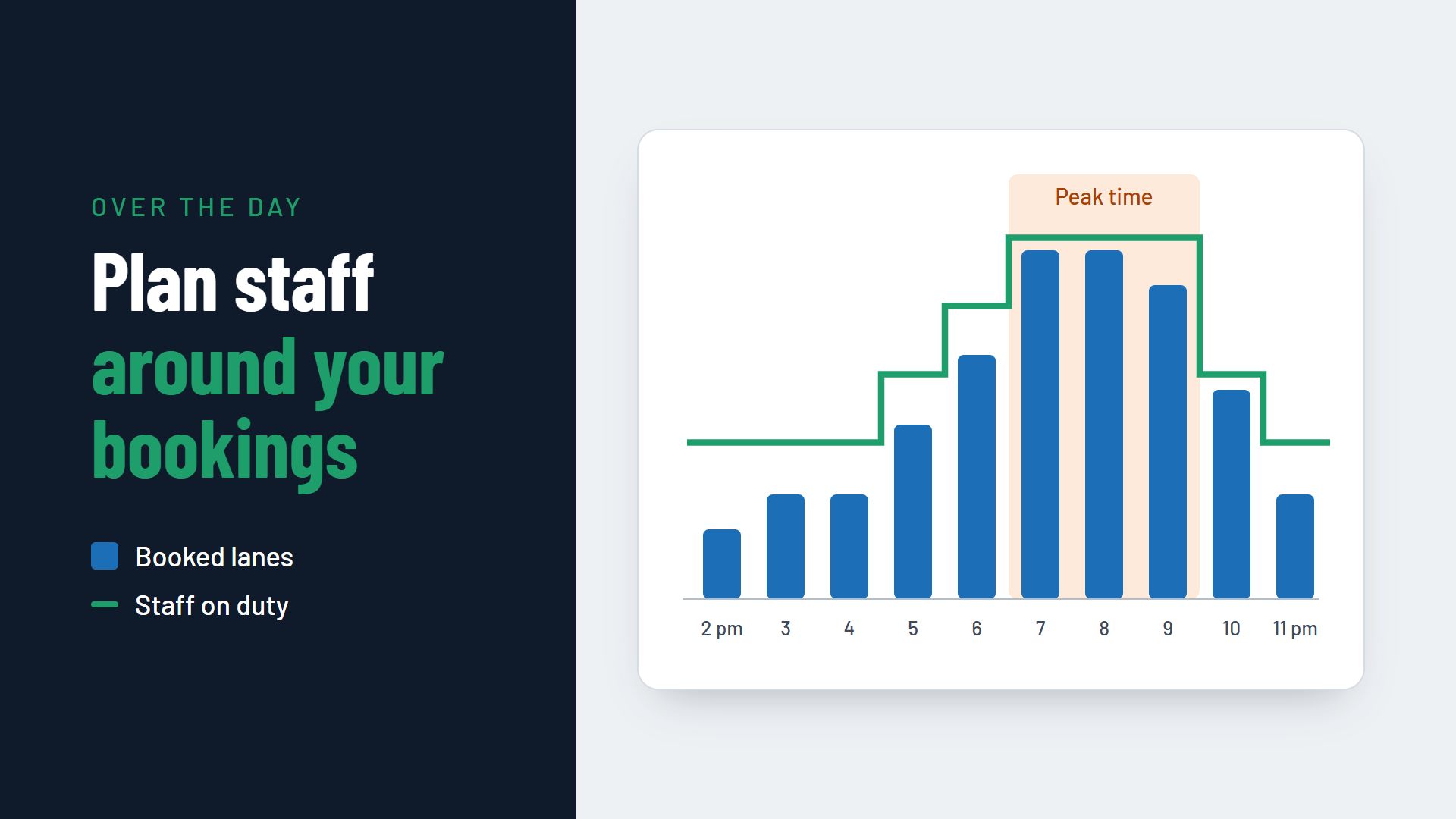
- A kitchen that can plan. You know in advance how many pizzas you need at 7 pm on Saturday and can plan stock and staff around it.
- Less waiting on site. When drinks and snacks are already waiting, the evening starts on the lane, not in the queue.
- Simpler payment. What has been paid with the booking does not have to be split between ten people at the end.
Which extras work for upselling in a bowling centre
Not every item on your menu belongs in the online booking. Extras that can be planned in advance and suit the guests' occasion work well.
Packages instead of individual items
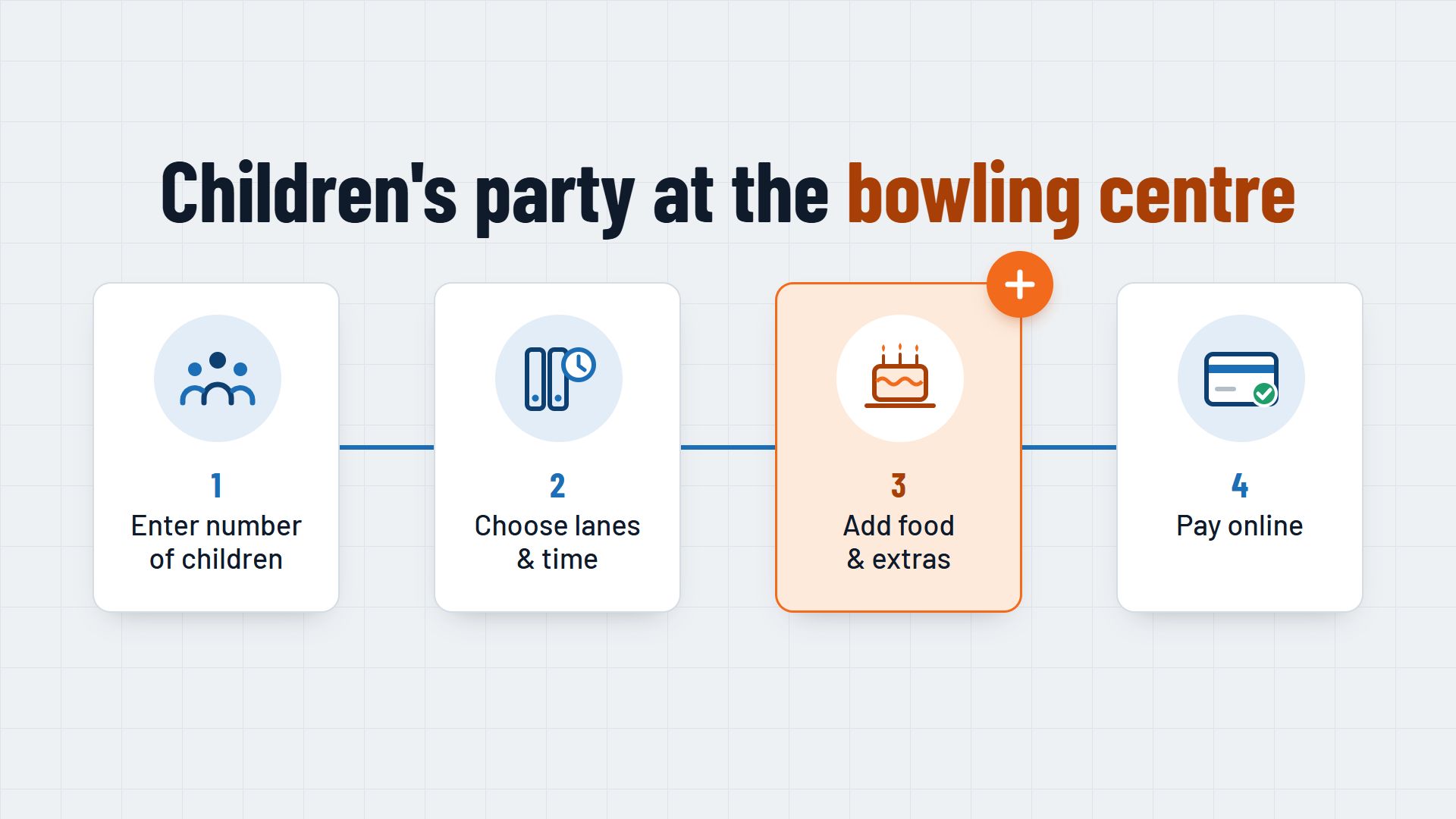
A package of lane, food and drinks per person is easy for guests to understand and easy for you to prepare. Typical examples are a children's party package with chips and soft drinks, or a company package with pizza and drinks. Guests then compare just a few packages instead of thirty items.
Drinks packages with the lane booking
A drinks package with the lane booking, such as soft drinks for the duration of play, is easy to price and convenient for groups. Set out what is included and how long it applies, so there are no discussions on site.
Snacks and platters for the lane
Nachos, finger food or a snack platter for the lane suit groups that do not want a full meal. They are easy to scale by the number of people.
Extras for the occasion
A birthday cake, a bottle of sparkling wine for a hen or stag party, or decorations for a children's party are small extras that make the evening special. Guests ask for them especially with group bookings. You can read more about organising larger groups in the article on group bookings for hen and stag parties, company events and large groups.
How to build upselling into your online booking
Upselling in the online booking works when it feels like a service to the guest, not an obstacle.
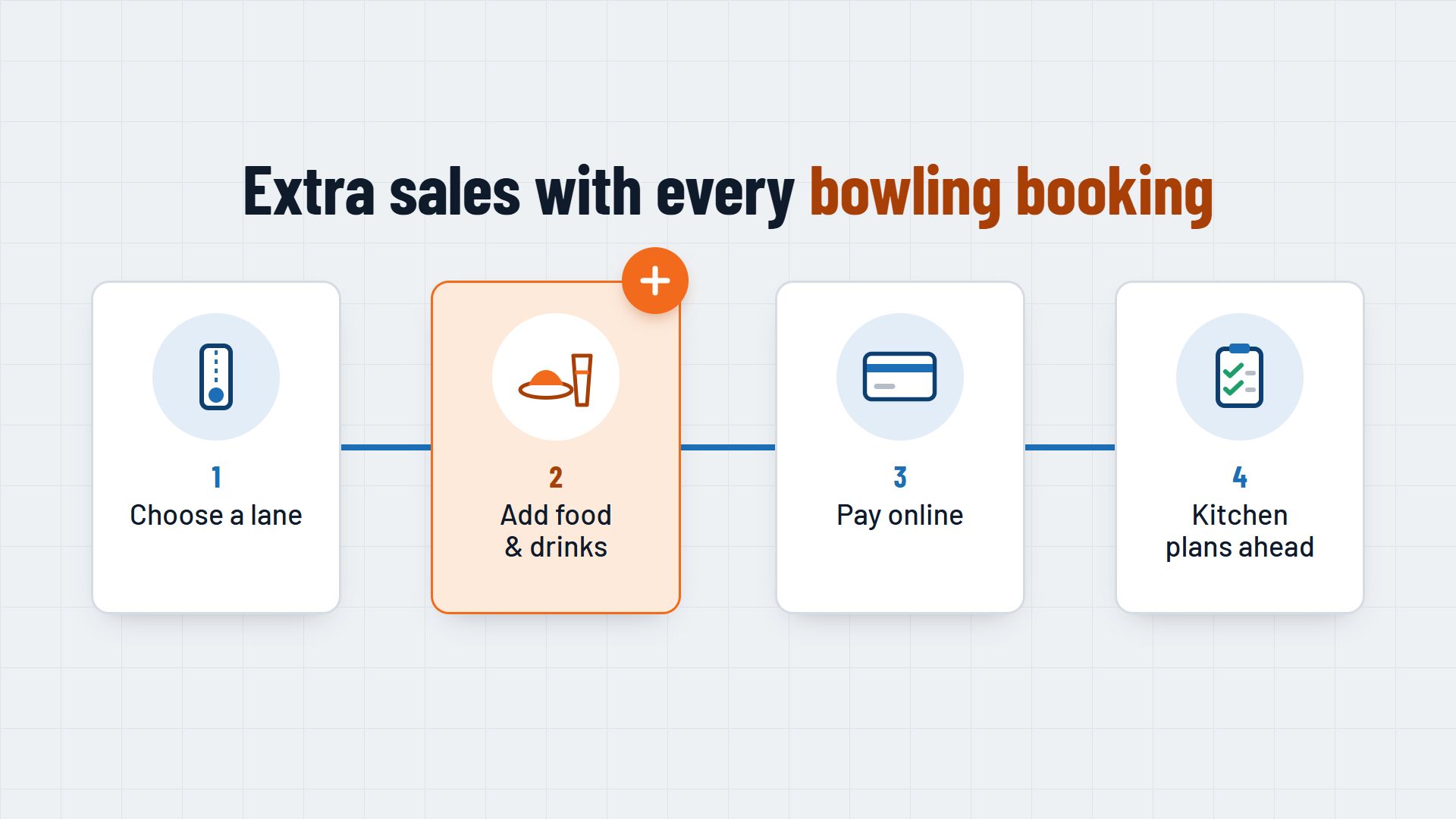
- The right moment. Show food and drink after the guest has chosen the lane, date and time, and before payment. Earlier, it is a distraction; after payment, the guest has already mentally finished.
- A few clear options. Three to five options with a picture, a short description and a price per person are enough. Everything else stays on the menu on site.
- Quantities to match the group. The booking system knows the number of players. Use it to suggest a suitable quantity that the guest can adjust.
- A clear deadline. Decide until when orders can be changed, for example until the day before. State the deadline in the booking process and in the confirmation.
- Payment with the booking. When food and drink are paid for together with the lane, the order is binding. Whether that suits your venue is covered in the article Online payment when booking.
What the kitchen and bar get out of it
Upselling only helps if the order reaches the place where it is needed. A daily overview of all pre-ordered food, sorted by time and lane, helps the kitchen start on time. The bar can see which group has a drinks package and does not need to ask.
Time the food around the start of play: many groups prefer to eat after the first game rather than straight on arrival. Ask for the preferred time when guests book, or set it for each package.
Common mistakes when selling food and drink in the online booking
- Too much choice. A full menu in the booking process leads guests to give up or choose nothing at all.
- Hidden prices. If the total price only appears in the last step, guests feel caught out. Depending on how it is designed, price display rules may also come into play.
- Two separate accounts. If food booked online is not visible at the till, it gets charged twice or not at all. The online booking and the till should know the same orders.
- No deadline. Without a deadline for changes, the kitchen buys in for orders that are still cancelled the evening before.
What to look for in a booking system
Whether upselling works day to day depends heavily on what your booking system can do. Check these points:
- Can food, drink and packages be linked directly to a lane booking?
- Can the system suggest quantities based on the number of players?
- Can you set deadlines for changes for each offer?
- Is there an overview for the kitchen and bar by day and time?
- Are orders paid for with the booking and shown at the till?
- Do the reports show how much revenue the extras bring in?
For an overview of everything a booking system for bowling centres should do, see the page Booking system for bowling centres. How lanes, food and drink come together in one booking can be seen, for example, at Flexybox.
Start small: one or two packages, a clear deadline and an overview for the kitchen. Once that is running, your bookings will show you which extras your guests really want, and you can expand the range in a targeted way.