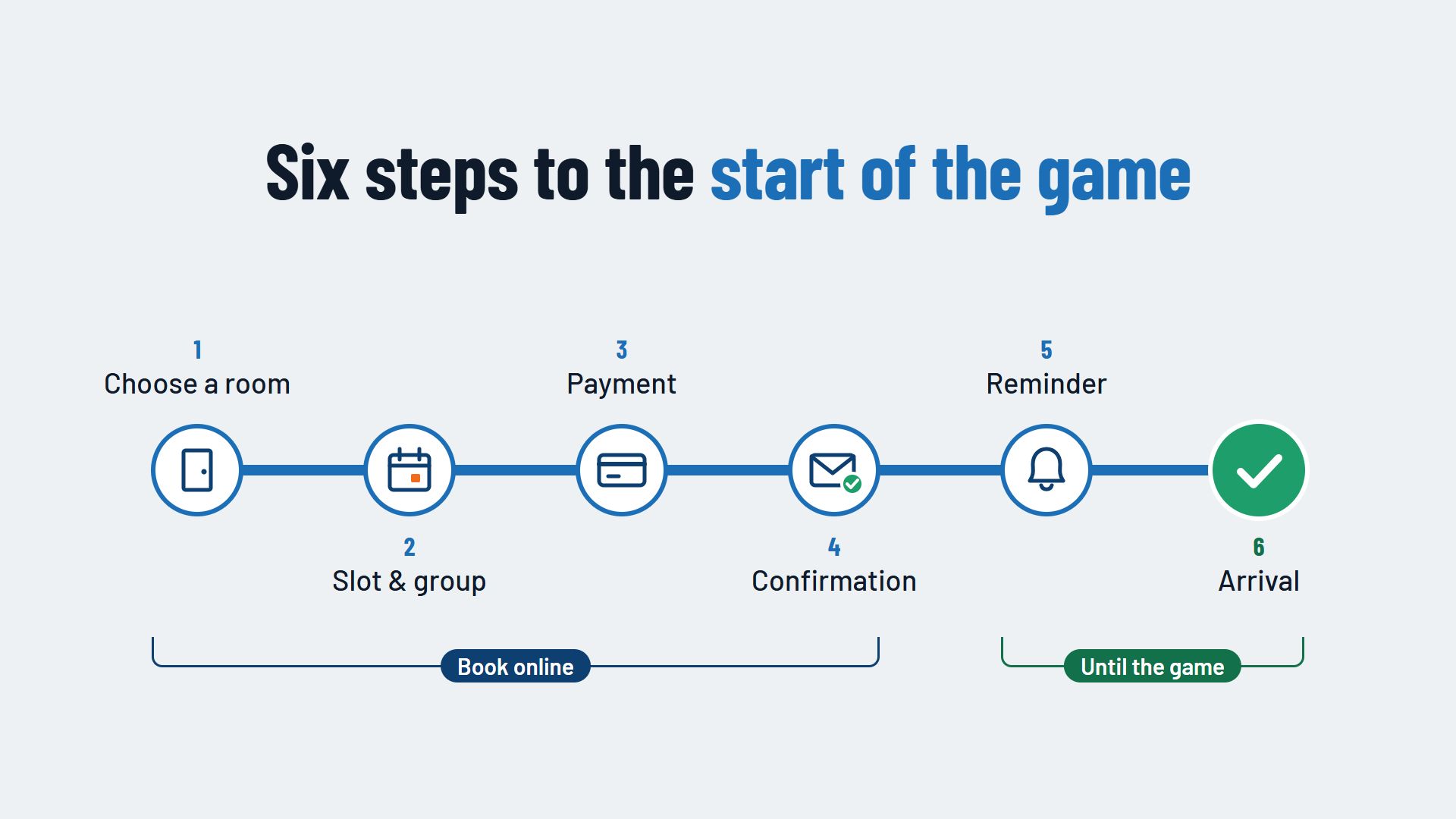
A good escape room booking process takes your guests to a confirmed slot in a few steps: choose a room, pick a free slot and group size, pay and receive a confirmation straight away. The booking continues after that, because the reminder, directions and welcome are part of it too. The fewer questions are left open, the less often your guests pick up the phone or abandon the booking.
Step 1: Finding the right room
The escape room booking starts with choosing a room. Guests compare rooms by theme, difficulty, game length and group size. Show these details for every room in the same place and in the same order, so the comparison is quick.
These also help:
- The minimum and maximum number of players, so a group can see at once whether the room fits.
- An age recommendation, for families booking with children.
- Accessibility notes, such as stairs or narrow passages.
- A "Choose a slot" button right next to the room, so nobody has to switch pages to book.
Step 2: Choosing a slot and group size
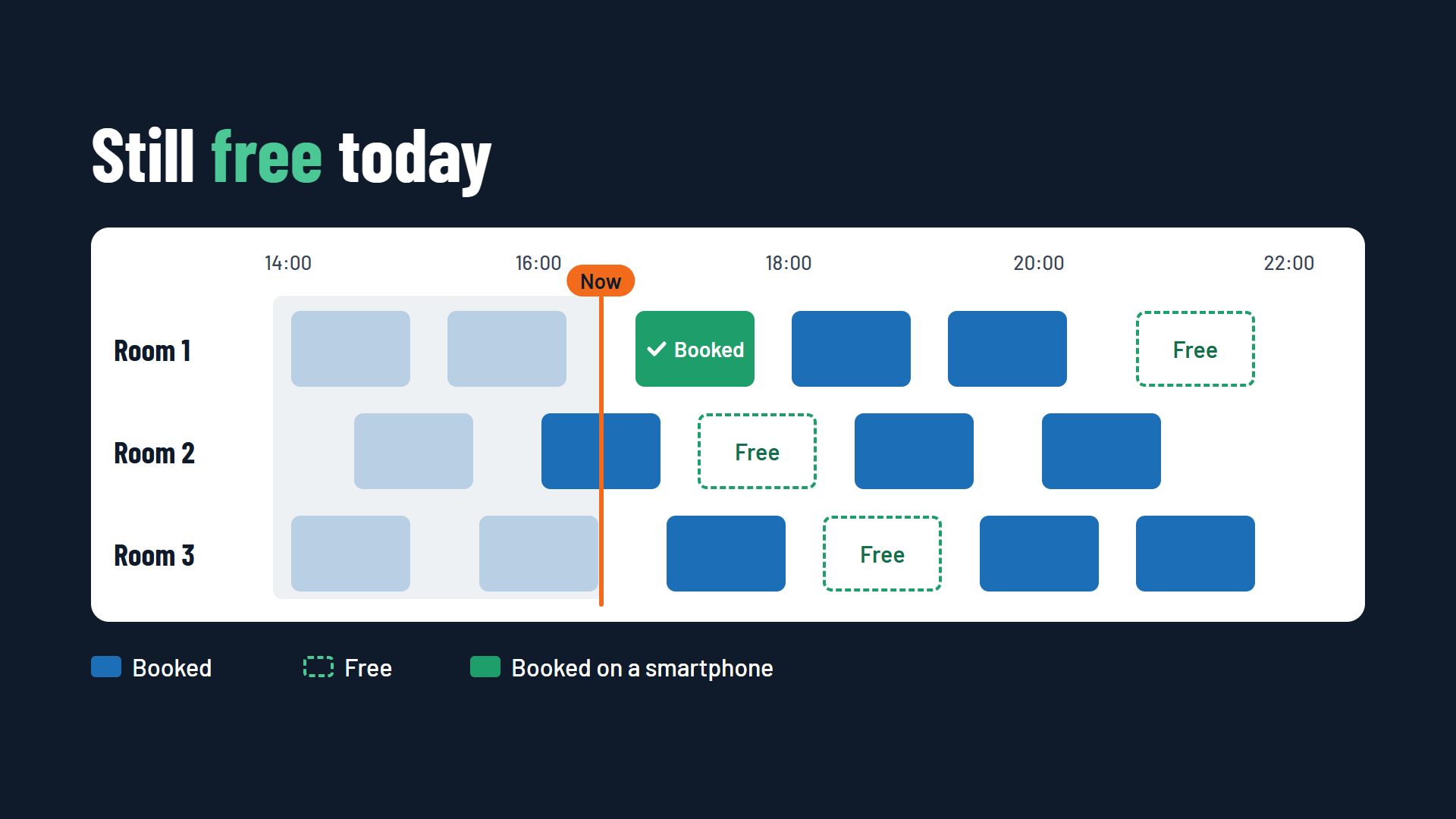
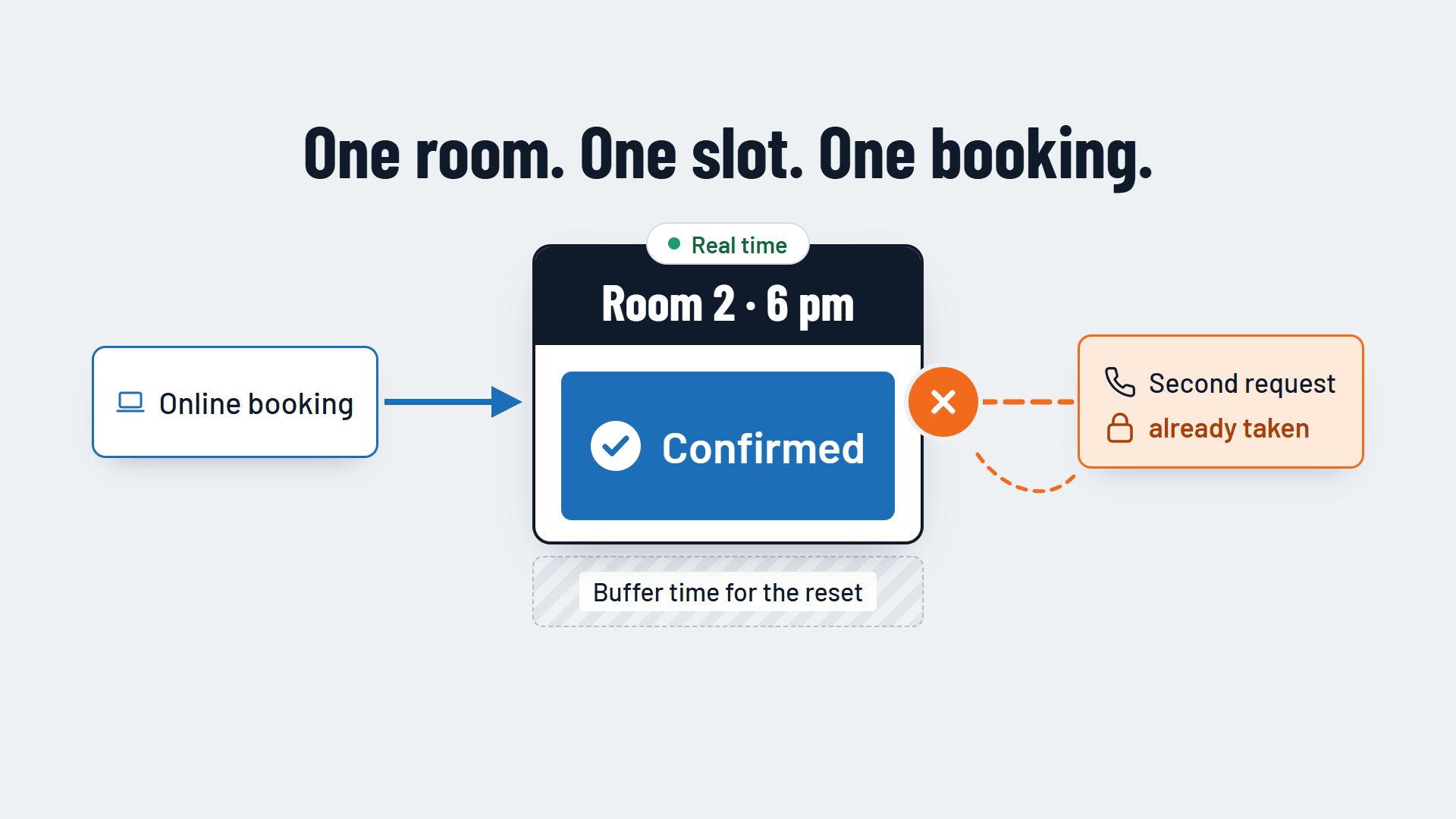
In the second step the guest picks a slot and says how many people will play. The calendar should only show slots that are genuinely free for that room, in real time. How a booking system prevents overlaps is described in the article Avoiding double bookings in an escape room.
Limit the group size to what the room allows, and show the price as soon as the number of people is known. If the price only appears in the last step, guests are easily caught off guard and abandon the booking.
Step 3: Paying and securing the slot
Payment turns the selection into a firm booking. Many escape rooms let guests pay the full price or a deposit online. This secures the slot and lowers the risk of a group not turning up. The pros and cons of online payment are covered in the article Letting customers pay online.
Pay attention to three things in this step:
- Hold the slot while the guest is paying, so nobody else can book it.
- Redeem gift vouchers in the same step, without a detour by email or phone.
- Show the cancellation terms before payment, in a few clear sentences.
Step 4: The booking confirmation
Straight after payment the guest receives a confirmation by email. It is the document that accompanies the group until the game, and it should answer every question that would otherwise end up on the phone:
- room, date and start of the game
- the time the group should arrive
- address and directions
- number of players and amount paid
- a link to rebook or cancel
Step 5: The reminder before the game
There are often days or weeks between booking and game. An automatic reminder before the visit repeats the key details and gives the guest the chance to rebook or cancel in good time. A slot that becomes free can then still go to another group. What belongs in a good reminder is described in the article Automatic booking reminders.
In the reminder you can also ask whether the number of players has changed. Your team then knows before the game how many people to expect.
Step 6: Arrival and briefing
The last step takes place at your front desk. Your team can see in the booking system which group is next, for which room, how many people and whether they have already paid. The game master knows when to welcome the group, and the room is ready after the reset break.
If anything is still open at this point, such as a balance to pay or an extra player, it can be sorted out in the same booking. The group then starts without waiting at the desk.
Common stumbling blocks in an escape room booking
Test your booking process yourself, ideally on a smartphone. Typical hurdles are:
- Too many steps or fields that the booking does not need.
- A mandatory customer account before the guest can book at all.
- A price that only appears at the end, or extra costs that were not visible earlier.
- A calendar that is hard to use on a smartphone.
- No immediate confirmation, so the guest does not know whether the booking worked.
Conclusion: an escape room booking process that leaves no questions open
The perfect escape room booking process is short, shows only free slots and the price from the start, and ends with a confirmation that contains everything important. The reminder and the welcome carry the booking through to the start of the game. You will find more features that escape rooms need day to day on the page Booking system for escape rooms.
How room choice, online payment and confirmation can come together in one system is shown, for example, by Flexybox.